



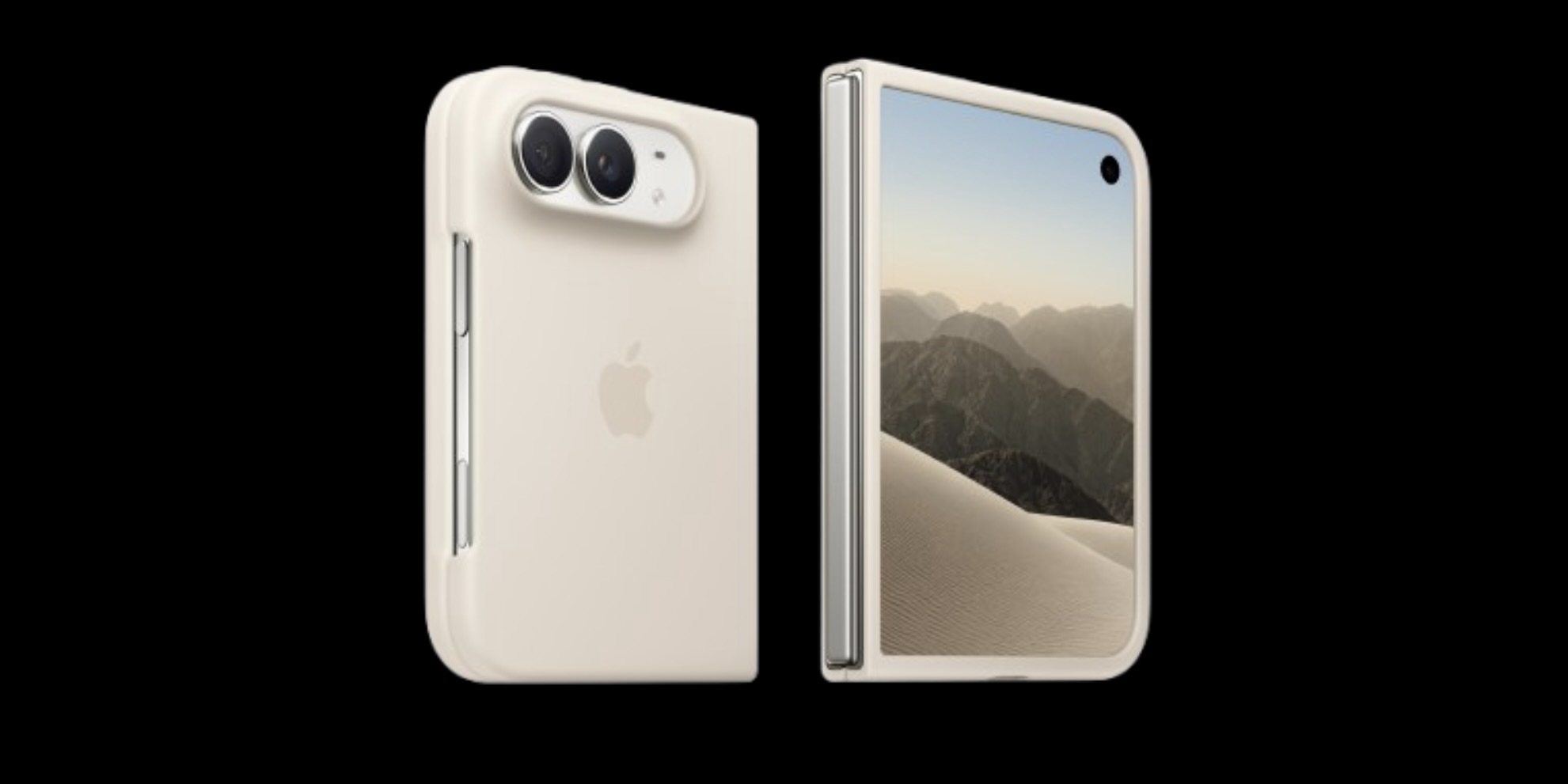
Since we started testing in 2008, we have purchased and tested mobile applications across thousands of devices. Recently, we have added the iPhone Duo to our device library and our team was surprised to find so many new bugs on this device. Apple’s first foldable is a good reminder of why testing real devices matters. It is a new form factor, and users will run your app on it whether or not you have tested for it.
Testing Apps on iPhone Duo
The Duo uses a passport-style design. It has two Super Retina XDR displays, a 7.6-inch inner screen and a 5.4-inch outer screen. The inner panel is OLED with a resolution of 1878 x 2670 pixels. It has a 120 Hz refresh rate and a pixel density of about 430 ppi. It runs on Apple’s A20 Pro chip and ships with iOS 27, which Apple has customized for the two-screen design. For testers, the key point is that one device has two screen sizes and layouts. Your app has to handle the switch between them, including when the user folds or unfolds the phone mid-session.
How Hardware Affects App Performance
Two devices can run the same build and give users very different experiences. Processors, RAM, GPU capability, storage speed, battery capacity, thermal design and network radios all change how an app behaves. An app that feels smooth on a flagship can stutter on an older phone with less memory. It may also get terminated in the background, drain the battery quickly or throttle when the device heats up. On a device like the Duo, a 120 Hz display and a much larger canvas raise expectations for smooth scrolling and animation. Only real hardware shows frame drops, memory pressure, thermal throttling and battery drain under realistic conditions.
Why Real Devices Beat Simulators
Simulators and emulators are useful for early development and quick checks, but they run on your computer’s hardware, not the phone’s. They cannot reproduce real touch and gesture behavior, camera and sensor input, biometric authentication, Bluetooth and NFC, push notifications, or the effects of poor networks, interruptions such as incoming calls, and low battery. They also miss manufacturer-specific OS behavior and rendering differences. Some of the most damaging bugs only appear on physical hardware, and users find them in production. For a foldable, this gap is even wider. Hinge-state changes, screen continuity and multitasking on the larger display are best validated on the actual device.

The Accessibility Impact
Accessibility is one of the strongest arguments for real-device testing. People with disabilities rely on platform features such as VoiceOver, Switch Control, Voice Control, Dynamic Type, Reduce Motion, Increase Contrast and haptic feedback, and these interact with real hardware in ways a simulator can’t fully represent. Real devices let testers check that screen reader focus stays logical when a foldable changes layout, that text scales without clipping on a different screen size, that touch targets are reachable on a wider device, and that contrast holds up on an OLED panel in different lighting. Testing with assistive technologies on physical devices helps ensure your app works for everyone, and it supports compliance with standards such as WCAG.
More Reasons to Test on Real Devices
- Fragmentation: Combinations of device model, OS version, screen size and manufacturer customizations multiply quickly. A broad device library helps you cover what your actual users own.
- Real-world conditions: Spotty Wi-Fi, switching between cellular and Wi-Fi, low storage, interruptions and background app behavior all show up on physical devices.
- App Store readiness: Testing on current hardware and the latest OS catches compatibility problems before reviewers or customers do.
- Confidence at launch: Fewer surprises mean fewer one-star reviews and support tickets.
Test on the Devices Your Users Carry
Over the past 18 years, we have assembled an extensive device library containing hundreds of physical mobile devices. Testing on actual hardware delivers authentic end-user insights that simulators simply cannot replicate. With the introduction of the iPhone Duo, designers and developers should evaluate incorporating this new foldable model into their target test matrix. Curious about your application's behavior on Apple's latest foldable? Reach out to our team today to get started.