WCAG is an international set of standards created by the W3C to make websites, mobile and web apps accessible to people with visual, auditory, motor and cognitive disabilities.
Get a WCAG 2.2 audit
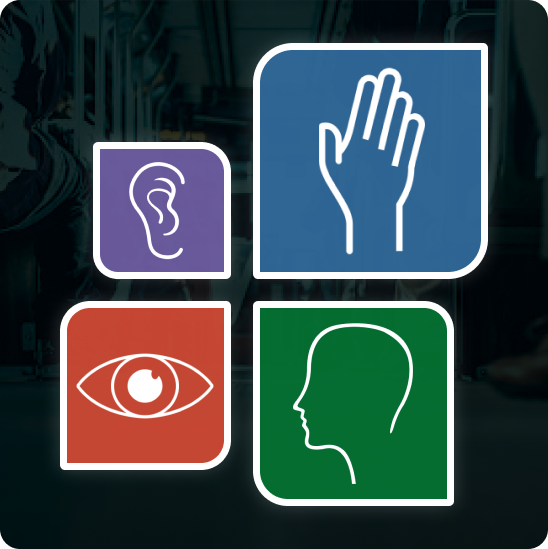
The Web Content Accessibility Guidelines (WCAG) guidelines provide a clear, structured, and referenceable framework for making web content accessible to individuals with a broad spectrum of disabilities, including visual, auditory, physical, speech, cognitive, language, learning, and neurological impairments.
The most recent version of WCAG version 2.2 adds new success criteria focused on improving accessibility for users with cognitive and motor disability. That includes a clearer focus visibility, larger touch targets and simpler authentication. These guidelines apply to content across all devices and often improve general usability.
Each version builds on the last, so content that meets WCAG 2.2 also meets 2.1 and 2.0. WCAG 2.2 adds criteria for users with cognitive and motor disabilities, including clearer focus visibility, larger touch targets and simpler authentication.
The foundation, still referenced by Section 508 and AODA.
Added mobile, low-vision and cognitive criteria.
Nine new criteria for focus, target size and authentication.
A W3C working draft; it doesn’t replace WCAG 2 yet.
What we check for each group of users when testing against WCAG.

Text spacing and sizing
Color scheme and contrast
No risk of seizures
Ease of navigation
Magnifier / zoom usability
Video captions provided
Text alternatives provided
Ease of navigation
Keyboard-only usability
Mouse-only usability
Screen reader usability
Ease of navigation
Usability with images turned off

Time-based media alternatives provided
Enough time to access content
Ease of navigation
Usability with images turned off
Mouse-only usability
Every WCAG guideline sits under one of four principles. Together they define what makes digital content accessible, and they’re the lens we use to evaluate it.
Users can perceive the content with at least one sense, e.g. alt text for images and captions for video.
Text alternatives · Time-based media · Adaptable · Distinguishable
Users can navigate and complete actions, e.g. everything works from a keyboard, with enough time.
Keyboard accessible · Enough time · Seizures · Navigable · Input modalities
Content is readable and the interface is predictable and consistent.
Readable · Predictable · Input assistance
Well-formed code works reliably with assistive technologies, now and as they evolve.
Compatible
Success criteria are testable statements that let developers, designers and auditors objectively check conformance. Each one belongs to one of three levels.
Removes the most critical barriers. Without it, some people can’t access the content at all.
Meeting all A and AA criteria addresses the biggest, most common barriers. It’s the level most organizations and accessibility laws target, and the one we test to.
Addresses very specific needs. Desirable, but it usually isn’t possible to meet every AAA criterion for all content.

Our team developed a custom platform that allows us to streamline the testing process. Test Platform utilizes a comprehensive suite of test management tools that accelerate testing without losing performance quality.
We built Test Platform in accordance with Web Content Accessibility Guidelines (WCAG) 2.1 to ensure it is accessible to every tester at PLUS QA and every client who hires us. Our intuitive design allows every user, regardless of ability, to access bug tracking, test cases management, and other features.
To learn more about Test Platform’s accessibility features, you can read more on our development blog.
Every client is unique, so every project starts with an assessment of your needs.
Our team, including testers with disabilities, replicates the experiences of real users.
A thorough report with actionable steps to fix each issue.
We’re not done until we’ve confirmed every issue is solved.
Built accessible, too. Our in-house Test Platform was built to WCAG 2.1, so every tester and client can use bug tracking and test case management, regardless of ability.
Have another question? Ask our team.

WCAG 2.2, published by the W3C in October 2023. It’s backward compatible, so meeting 2.2 also meets 2.1 and 2.0.
No. WCAG is a technical standard, but laws like the ADA, Section 508, the European Accessibility Act and AODA reference it as the benchmark for compliance.
Level AA. It’s what most laws and procurement teams expect, and what we test to.
It added nine success criteria, including focus not obscured, minimum target size, dragging alternatives, consistent help, redundant entry and accessible authentication.
WCAG 3.0 is still a W3C working draft and doesn’t replace WCAG 2. Keep building and testing to WCAG 2.2 AA.
See why hundreds of businesses choose to test their websites and apps with PLUS QA.